Slack’s Automated Messages
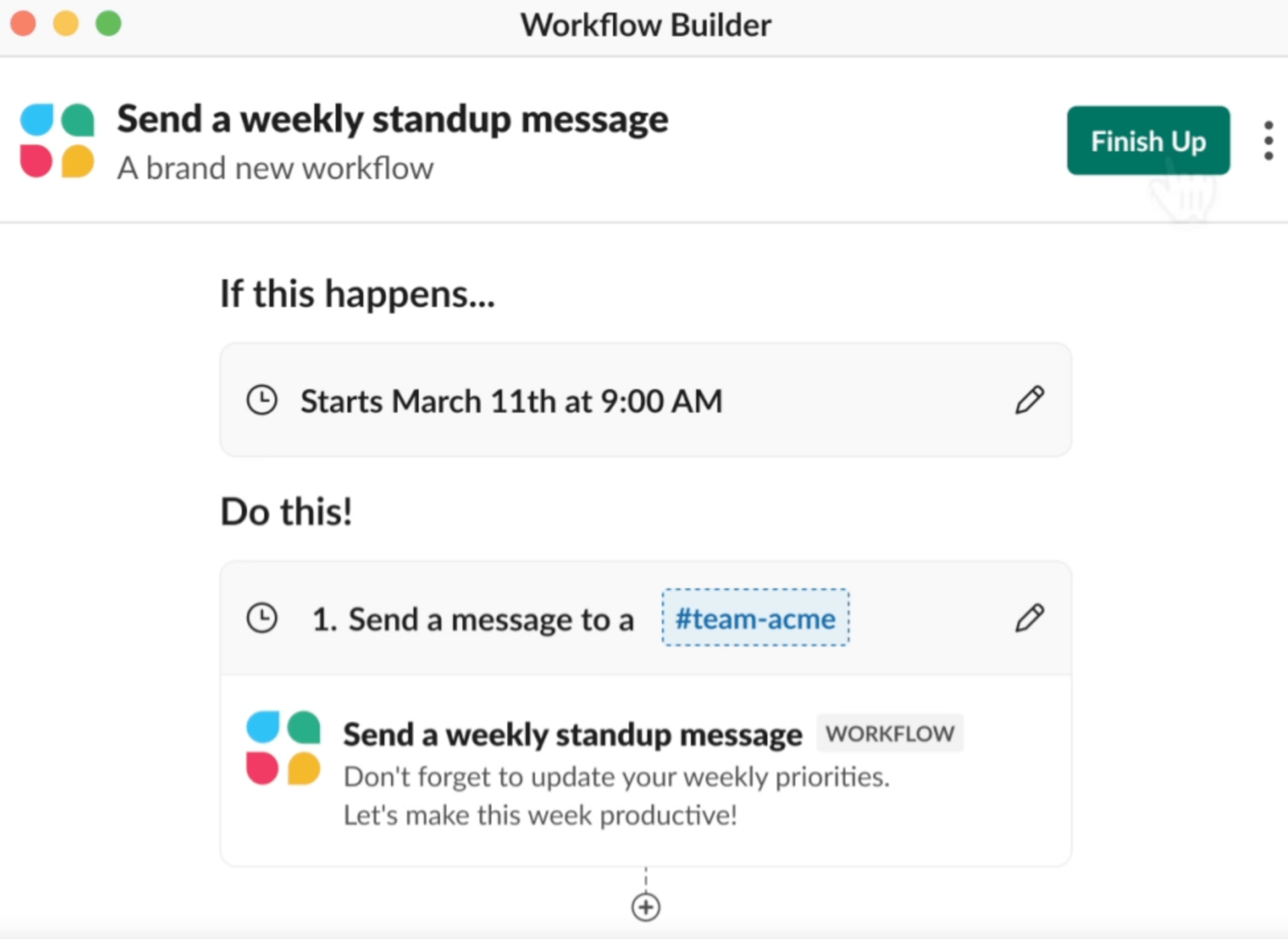
Most teams rely on manual calendar reminders or spreadsheet alerts to track critical deadlines—contract renewals, project milestones, compliance windows. That means someone has to remember to check, calculate dates, and send follow-ups.
Slack's new time-based automation triggers let you schedule automated messages based on relative dates tied to your actual business data.
How it works:
"3 days before contract expiration" → Auto-send renewal reminder to account owner
"1 week after project start" → Request status update from project lead
"Within 2 days of deadline" → Escalate overdue tasks to manager
Instead of reactive scrambling when a contract auto-renews or a deadline passes, your team gets proactive alerts exactly when action is needed.
Teams using time-based triggers report significant reductions in manual calendar monitoring time. You catch expiring contracts before they slip through, follow up on projects without setting manual reminders, and never miss a time-sensitive action. The result: fewer missed renewals, faster response times, and less administrative overhead.